Restaurant table selection booking
The window, the booth or the terrace: the guest picks the exact table in a model of your real room, on your own site. Try it below.
Choose a party size, then a table. No sign-up and demo data only: nothing you pick reaches a restaurant.
- Free
- Yours
- Taken
- Held
- Can join
- Too small
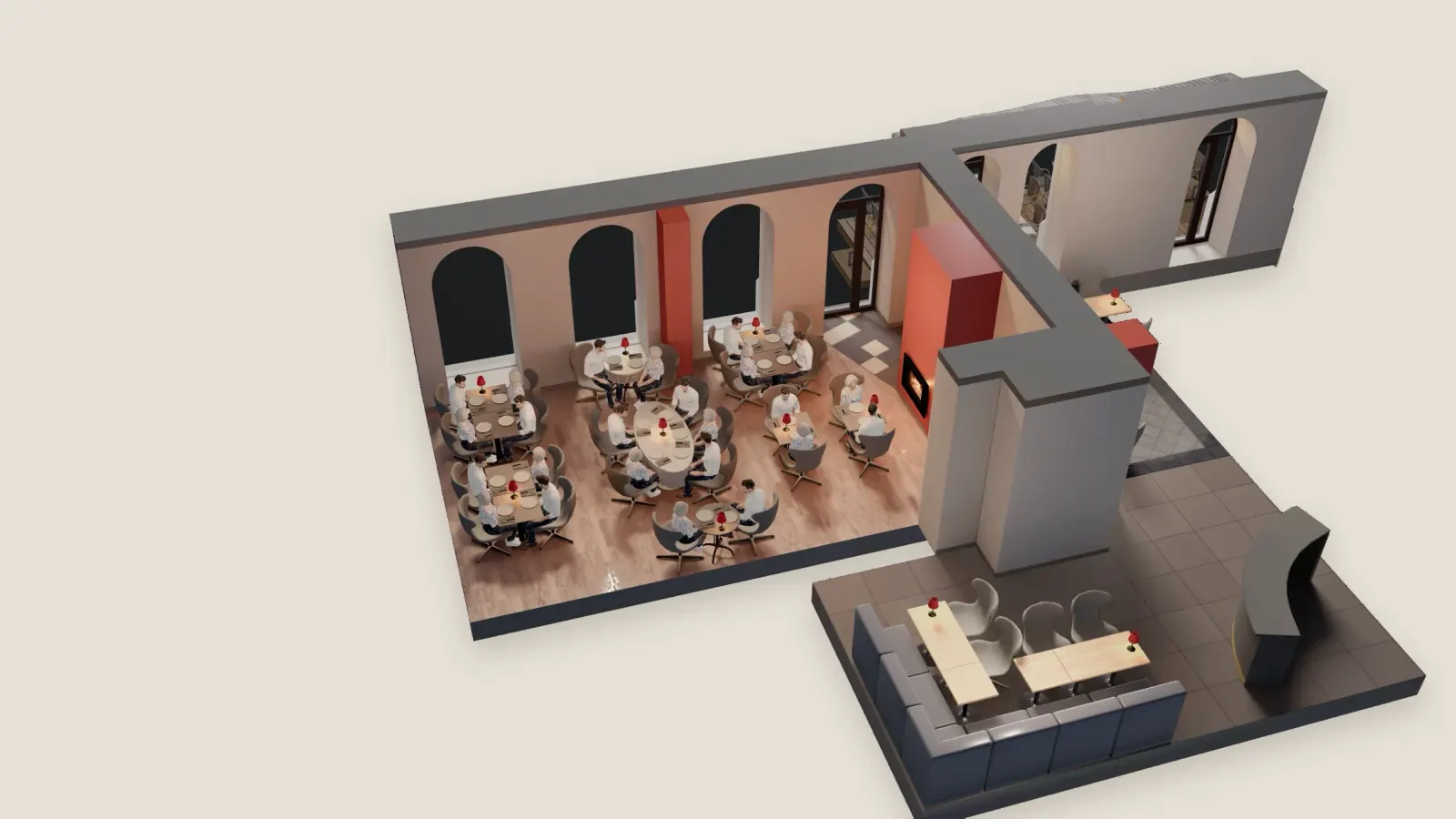
The room
Demo data. Nothing is sent.
Why the table matters
Restaurant table selection starts from one fact: a room is not made of identical tables. When the guest picks the seat, they book the evening they pictured, and you know where they sit before they arrive.
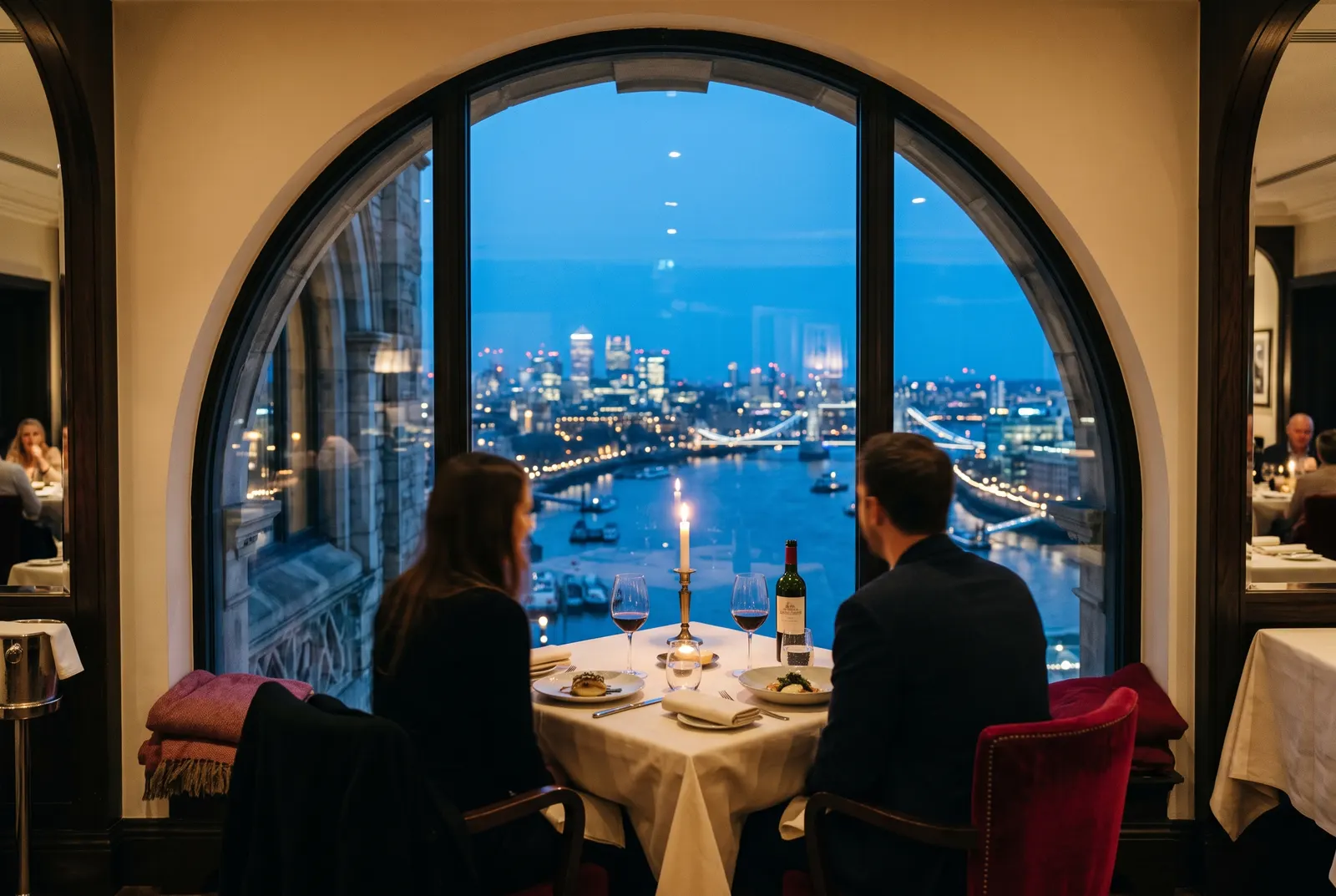
The window has the view, the booth is private, the terrace needs a warm night, and the bar is for two. A time slot with no table gives the guest none of that, and someone sorts it out on the night.
You stay in control
The guest chooses, inside rules that protect your night.
- FitOnly tables that fitThe party size comes first, so a party of six never sees a table for two.
- HoldHeld while they finishA chosen table is held for five minutes, and nobody else can book it meanwhile.
- MoveMoved when the night changesYour team moves a booking to another table, and the room updates with it.
A render, or a full 3D model
Both plans start from your floor plan and photos: a rendered image on Essentials, a full 3D model on Signature. Made for you, and yours to keep.
Three ways to book a table
Only the last one lets the guest choose the seat.
| A time slot | A time slot and a note | The exact table | |
|---|---|---|---|
| What the guest does | Picks a time | Picks a time and asks for a table in a note | Picks the seat itself in your room |
| What you know | How many are coming | How many, and what they hoped for | How many, and exactly which table |
| Who sorts the seating | You, on the night | You, reading the notes | The guest, from the tables that fit the party |
A working dining room: 18 tables, three rooms
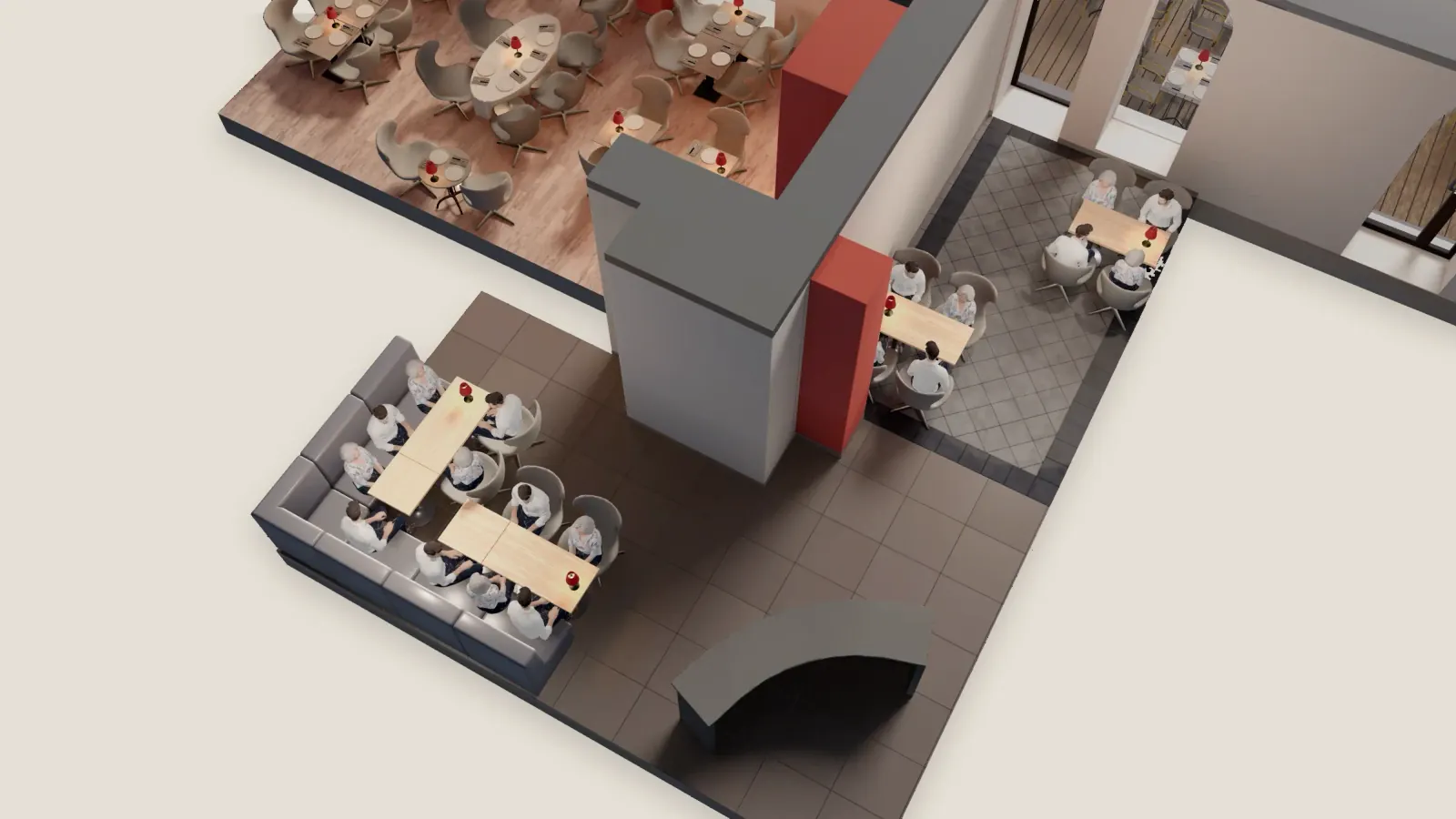
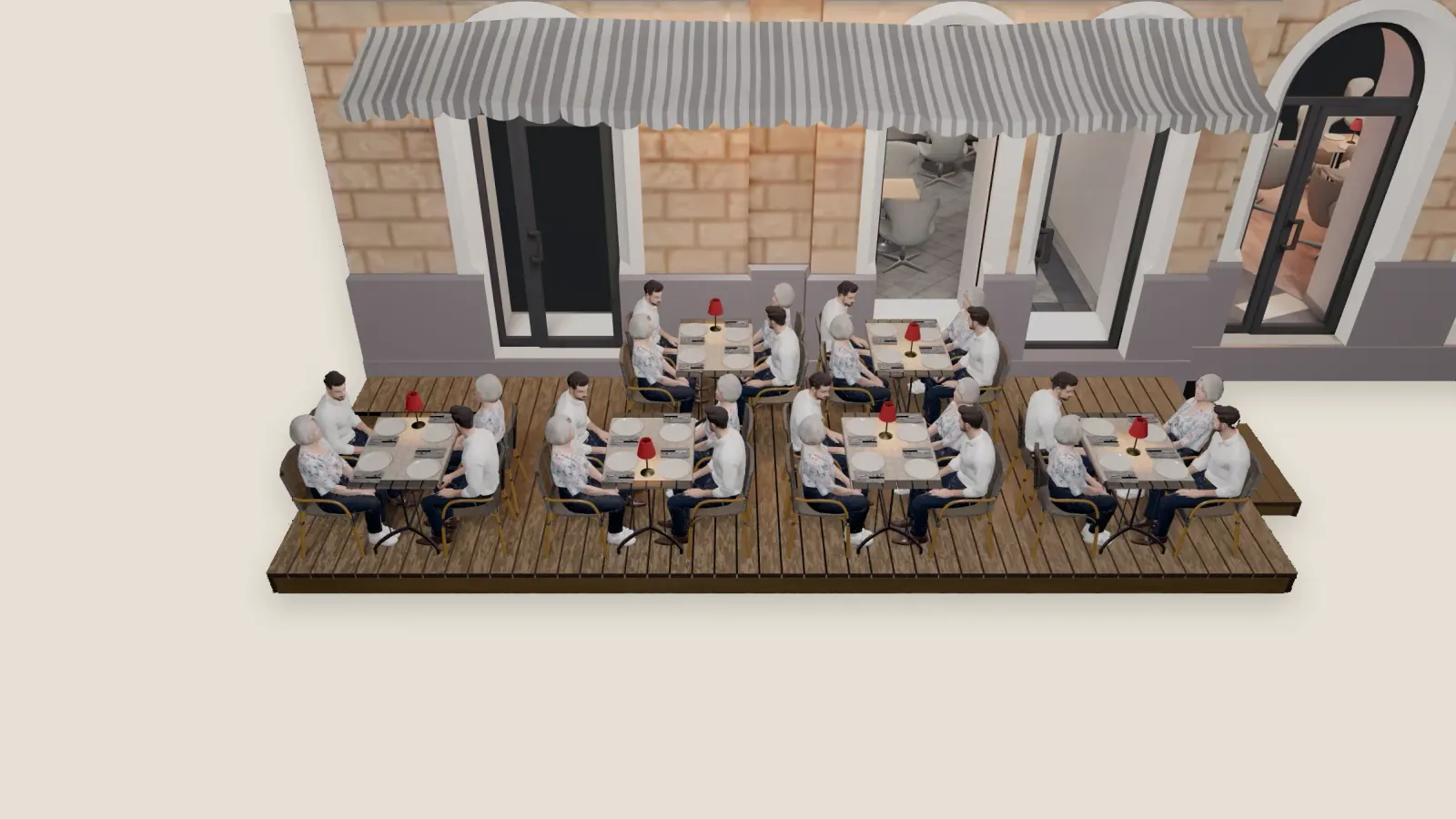
Guests choose from 18 tables and 68 seats across the main room, the bar and the terrace. Tablestial built the site, the room and the back office, and runs them. Read the case study
Questions about table selection
The short answers. More are on the full FAQ and in the accessibility statement.
Can two guests book the same table?
No. A table a guest has chosen is held for five minutes while they type their details, and a table that is booked cannot be booked again for that time. Your team can still move a booking in the back office if the night changes. See the back office
Does it work on a phone?
Yes. A phone opens the room in 2D, and the 3D model loads only when the guest asks for it, so the page stays light. Try it on your phone
Can someone book without a mouse?
Yes. The room has a list route for keyboard and screen reader users, with the same tables as a list, so nothing needs a mouse or a touch. Read the accessibility statement
What about large parties?
Guests give the party size first, and only tables that seat that many are offered. How a very large party is handled in your room, for example two tables pushed together, is something to settle on the walkthrough. Book a walkthrough
Render or 3D: which plan gets which?
Essentials shows your room as a rendered image. Signature gives guests a full 3D model to book in. Both are made from your floor plan and photos, and both are yours to keep. Compare the plans
Your room, table by table.
Send a photo of your dining room and we bring your own tables to a thirty-minute call. No card, no commitment. Tablestial replies within one working day.